Quiet Power: Build a Distraction-Free Smartphone

Today we focus on building a distraction-free smartphone using essential apps and settings that protect attention, reduce interruptions, and support meaningful work and rest. Expect practical steps, gentle nudges, and real-life tactics you can apply immediately. Share your setup wins and struggles in the comments so others can learn, iterate, and feel encouraged to reclaim their time.

Start Clean: Setup Foundations That Encourage Intent

Before downloading new tools, shape the environment. A calm device begins with fewer icons, neutral colors, and defaults that make the right action the easy action. Small choices compound: a quieter wallpaper, one home screen, and privacy-forward permissions create meaningful breathing room. These foundations reduce friction for the tasks that matter and increase resistance to time-sinks without relying on willpower alone.

Tame Notifications Into Helpful Signals

Most interruptions are urgent only in appearance. Reframe alerts as tools you invite, not megaphones that claim your day. Convert attention-grabbing pings into quiet summaries, and reserve immediacy for a tiny circle of people and tasks. Clear, intentional filters transform a firehose into a trickle of meaningful signals you can trust, lowering stress while improving responsiveness where it actually matters.

Focus Modes and Time Boundaries That Actually Stick

Lean Launchers and App Library Discipline

On Android, minimalist launchers surface search and a small favorites list, removing notification dots and endless pages. On iOS, embrace the App Library and Spotlight; keep the home screen nearly empty. Either way, the goal is intent-first navigation: type what you need, open it, and move on. Every reduced icon prevents an impulse tap that would otherwise break momentum.

Capture and Read Later Without Rabbit Holes
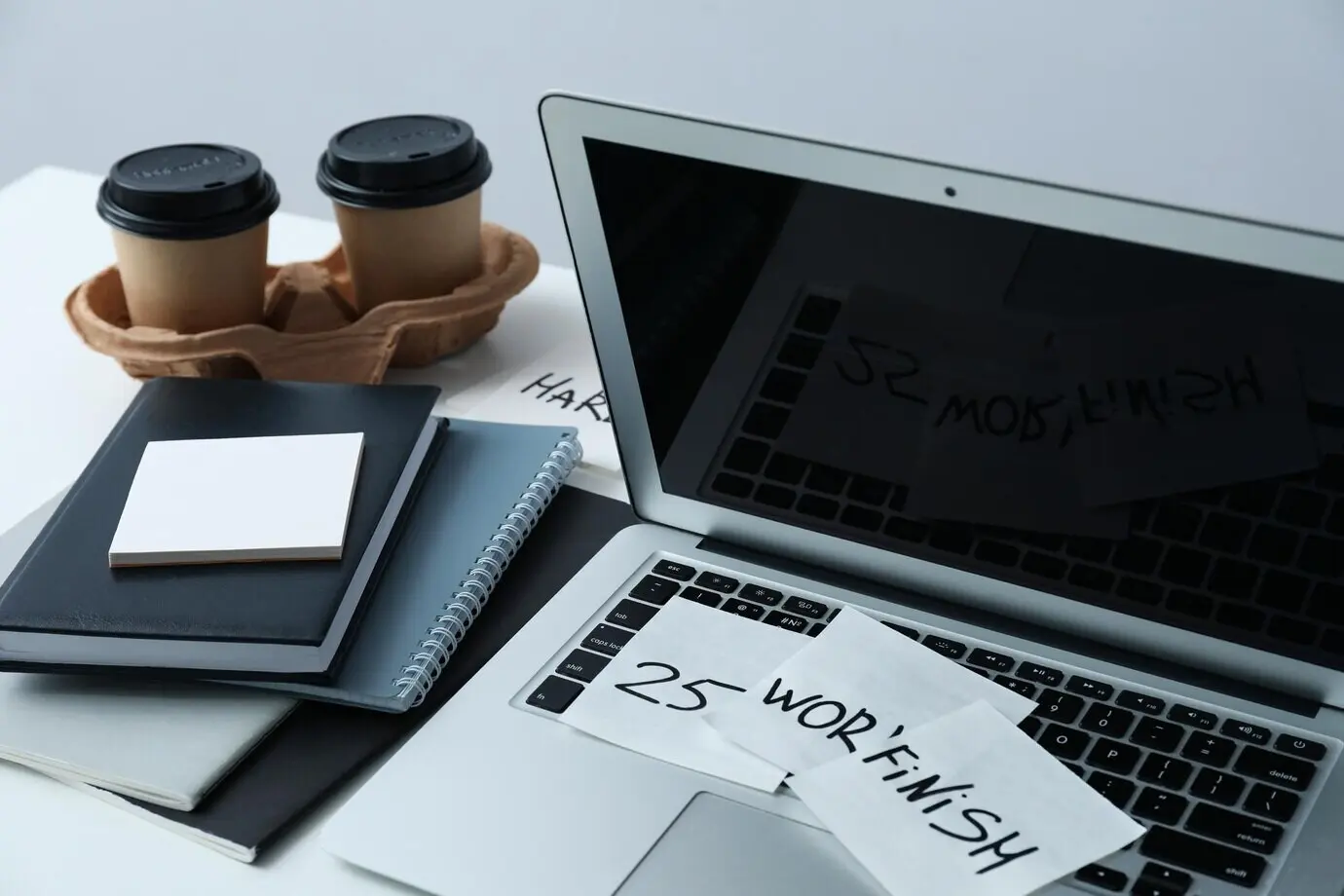
Use a read-it-later service or built-in reading list to collect links during the day, then process them in one evening session. Disable autoplay and suggested feeds; sort into short reads or long weekend pieces. Integrate with your notes app so highlights become reusable knowledge. Separating capture from consumption eliminates tab explosions and keeps you from tumbling into algorithmic side streets.

Blockers and Gentle Friction

Add humane blockers that prompt reflection before opening time-sink apps, introduce short delays, or enforce schedules. Pair them with system app limits for extra guardrails. During work focus, block social and news entirely; in evenings, set softer nudges. Friction should feel friendly, not punitive, so you return by choice to the projects and people that matter most.

Communication On Your Terms

You can be responsive without being constantly available. Set rules, not guilt: priority contacts get through, everyone else meets respectful batching and clear expectations. Templated replies, status sharing, and calendar integration remove ambiguity. Colleagues appreciate dependable rhythms more than instant reactions. When conversations happen on your schedule, you answer with presence, reduce misunderstandings, and protect the creative flow that drives real progress.

VIP Lists and Quiet Hours Respectfully Announced

Curate a small VIP list for calls and messages that truly must reach you. Share your quiet hours in your bio or auto-status so people know how to reach you in emergencies. Use platform features that display a focus status, signaling you will respond later. Boundaries expressed with kindness strengthen trust and relieve the pressure to react immediately.

Email Batching with Shortcuts and Templates

Check email two or three scheduled times daily. Create a shortcut that opens your inbox, starts a twenty-minute timer, and hides distracting folders. Use text templates for frequent replies, unsubscribe aggressively, and filter newsletters into a dedicated reading label. Treat inbox processing like a sprint, not a background habit. Precision and cadence will beat constant monitoring every single week.

Status, Calendars, and Meeting Guards

Let your calendar block focus windows automatically. Share a public availability link for booking, and decline meetings that lack an agenda. Post a status when you are heads-down. Consider an autoresponder during deep work, explaining when you will reply. These small, courteous signals teach your network to collaborate with your rhythms instead of colliding with them unpredictably.

Make It Sustainable: Reviews, Automations, and Community

A calm smartphone is not a single switch; it is a garden. Tend it weekly, automate guardrails where possible, and learn with others. Periodic pruning keeps clutter from creeping back. Metrics show whether habits hold. Stories from peers reveal creative tricks. Share your own reflections, ask questions in the comments, and subscribe to follow new experiments and evolving practices.

Weekly Reset and Spring Cleaning

Once a week, archive screenshots, clear downloads, review permissions, remove one app, and tidy your home screen. Revisit notification settings after app updates. If a tool no longer earns its place, replace it or delete it. These short resets preserve clarity. Like tidying a desk, the ritual signals a fresh start and prevents slow, demoralizing clutter from returning.

Automations That Nudge, Not Nag

Use Shortcuts, Routines, or automation apps to enable focus modes at work, start bedtime wind-down at a set hour, and prompt a reading session after lunch. Automate grayscale at night and disable cellular data for distracting apps during deep work. Gentle automations remove decision fatigue, letting you keep promises to yourself without constant negotiation or tiring willpower battles.

Tekexurexokanilu
Privacy Overview

This website uses cookies so that we can provide you with the best user experience possible. Cookie information is stored in your browser and performs functions such as recognising you when you return to our website and helping our team to understand which sections of the website you find most interesting and useful.